Keep your work week in sight.
A roster in a message thread is easy to lose beneath the next conversation. The shift you need to check is the same one you checked yesterday.
Enter the work week you want to keep visible in Calemon. Export a wallpaper for yourself, or a schedule card to send to someone who needs to know when you are working.

How it works
Copy the confirmed shifts
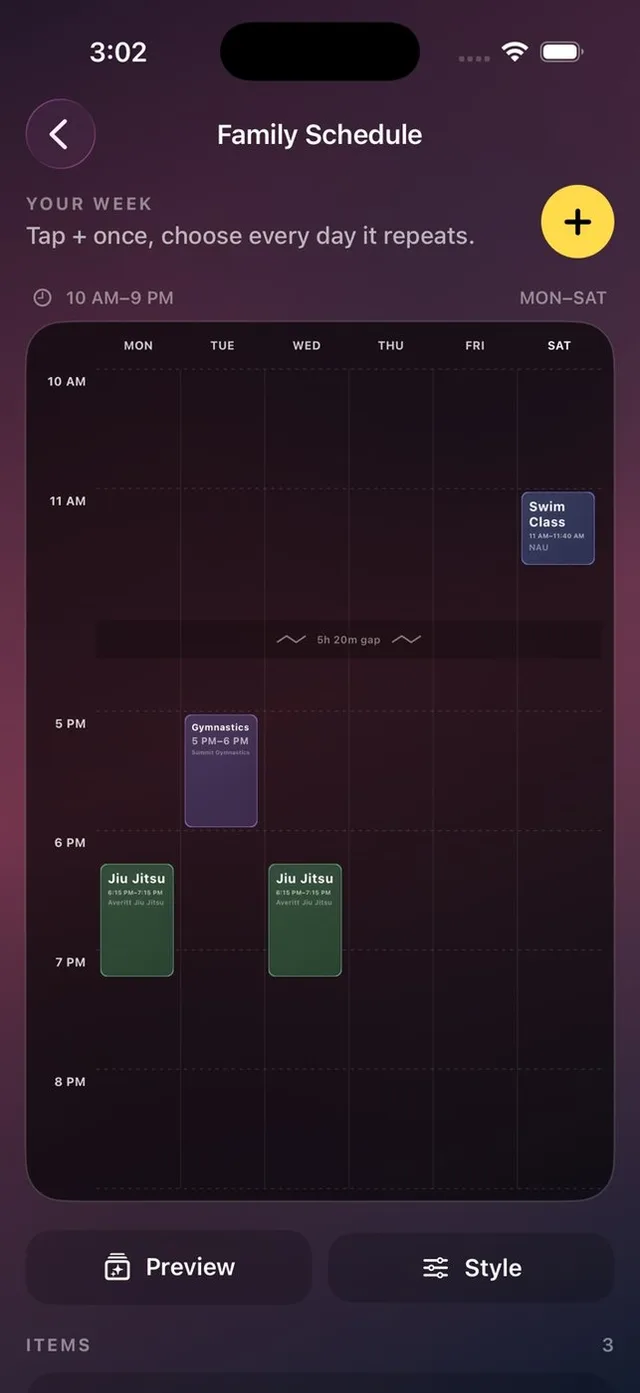
Enter the shifts from your actual roster, using the correct weekdays, times and a short location label.
Check the whole week
Include weekend work when needed. Review the displayed time range, and use colors to distinguish work from other recurring commitments.
Keep the exported copy current
Save the wallpaper or card. When the roster changes, edit the entries and replace the exported copy.
A closer look
Several weekdays at once
A repeated shift can be entered for multiple selected days.
A shareable view
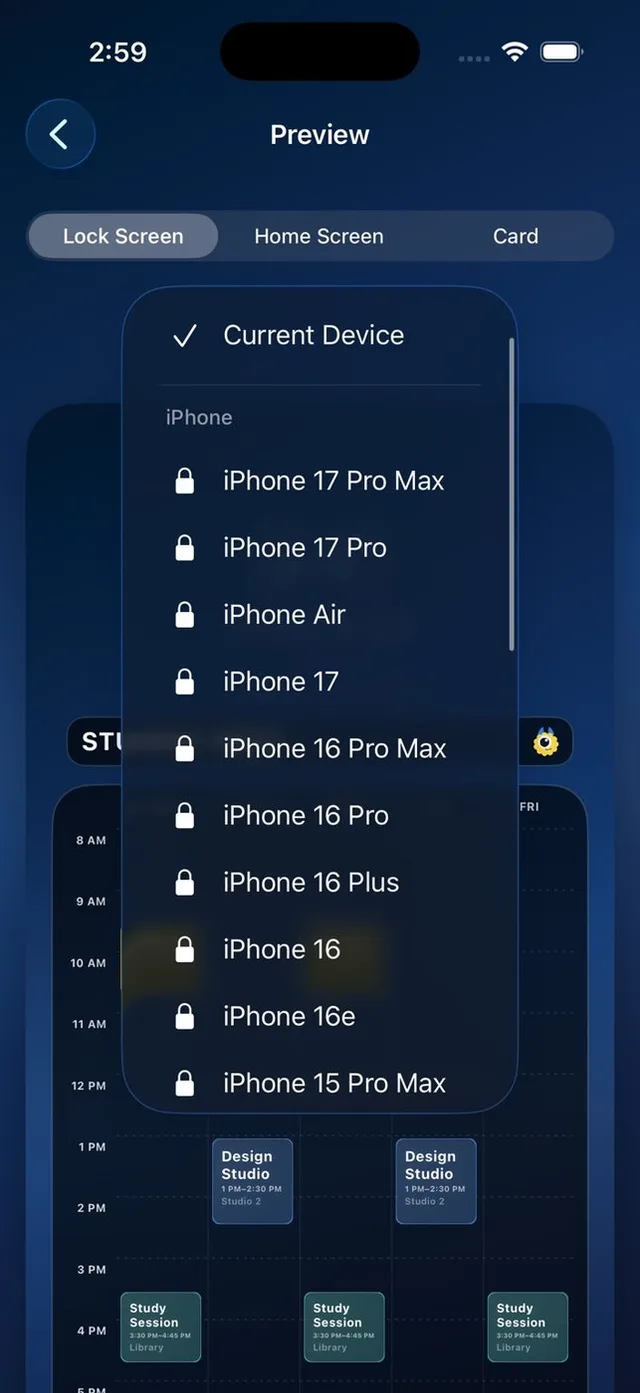
A PNG or JPEG schedule card lets another person see the week without needing to use Calemon.
A few details
Does it import my employer’s roster?
No. This workflow uses shifts that you enter manually.
Can I include a Saturday shift?
Yes. Calemon includes weekend days when your schedule needs them.
Can I keep more than one schedule?
Calemon Plus unlocks unlimited schedules and schedule combining with a one-time purchase.