Give the week a place to live.
Recurring plans are scattered: a workout in one note, an activity in another, and a regular appointment remembered only when it is nearly time.
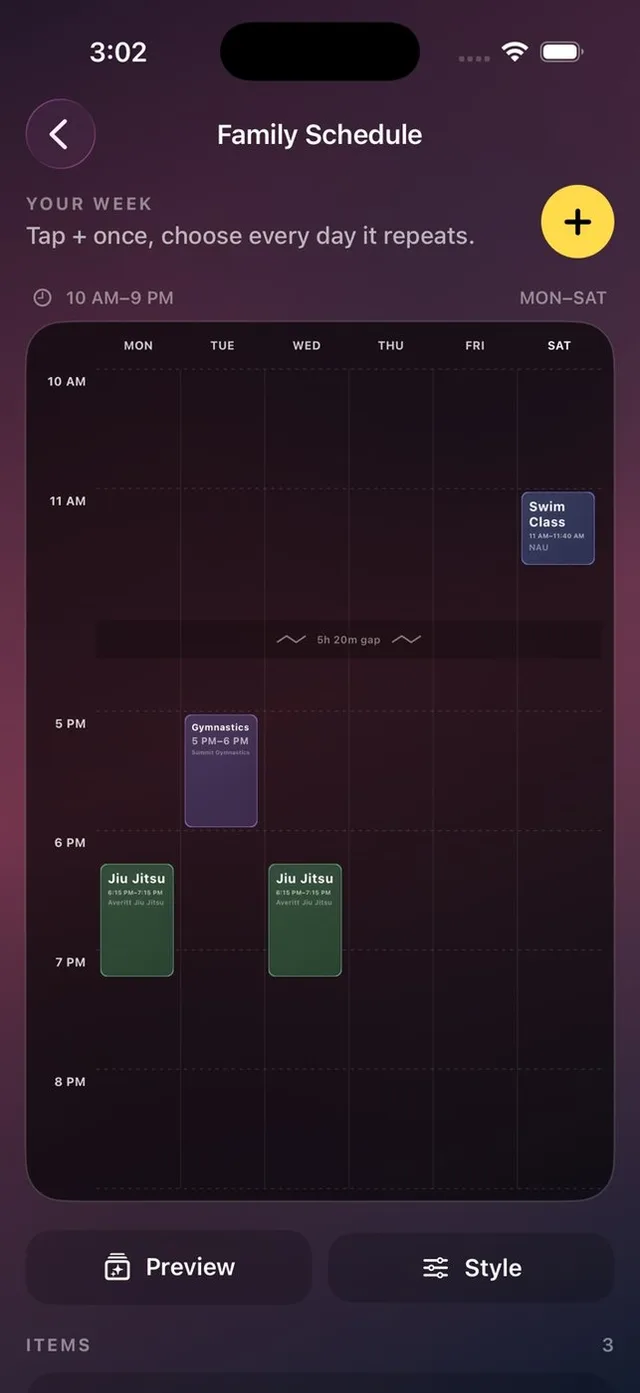
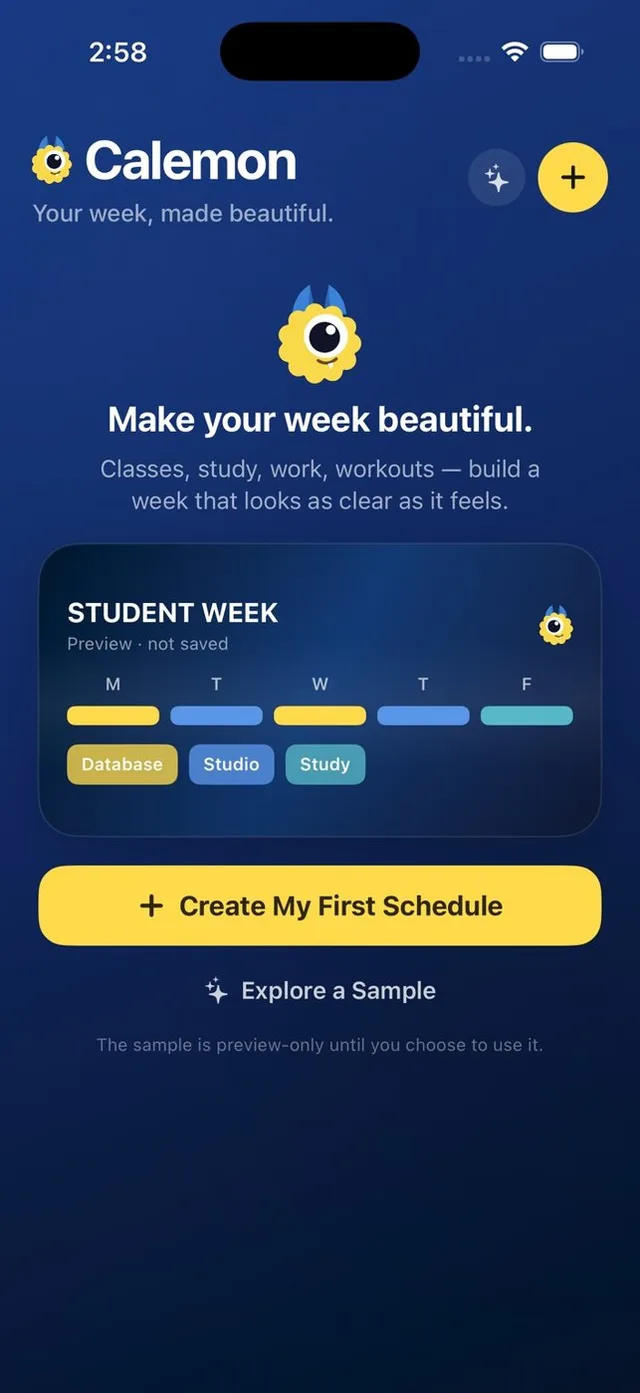
Calemon gives the repeating week one visible shape. Add the plans you want together, choose a clear style, and export a reference that does not require opening another app.

How it works
Choose what belongs together
Start with the recurring commitments you actually check: activities, routines or appointments.
Let the week take shape
Enter events and repeat days. The visible days and time range adapt to the schedule; long empty gaps can be compressed.
Choose where you will see it
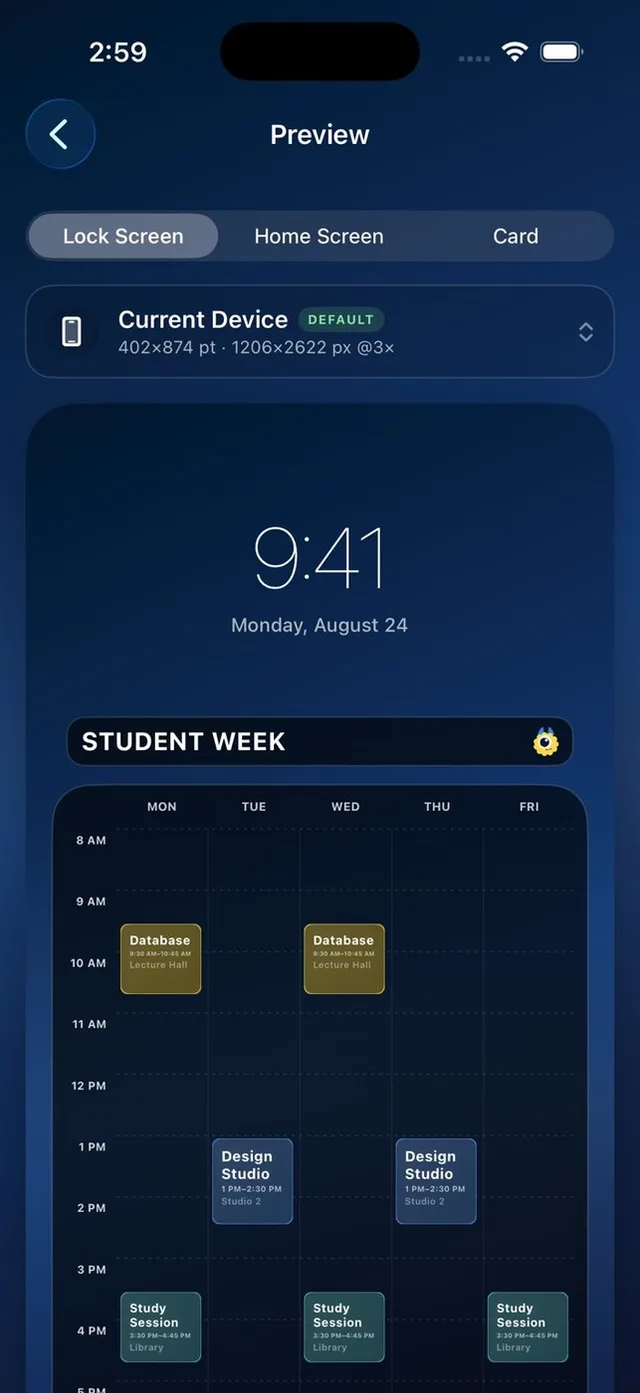
Customize the appearance, preview the layout and export a Lock Screen, Home Screen or schedule card.
A closer look
Your own background
Use an included background or a personal photo, then adjust colors and typography for legibility.
Schedules across devices
iCloud support keeps schedules available across your Apple devices. Exported images remain separate copies.
A few details
Can events overlap?
Yes. Calemon keeps overlapping events visible in the timetable.
What image formats can I export?
Calemon exports PNG or JPEG images.
What does Plus add?
The one-time upgrade includes unlimited schedules, combining, premium styles, extra typography and additional device export options.