Add your week
Classes, shifts, workouts, appointments, kids’ activities — whatever repeats.
 Calemon
Turn classes, work, routines, and family plans into a weekly schedule you can actually see — right on your iPhone or iPad.
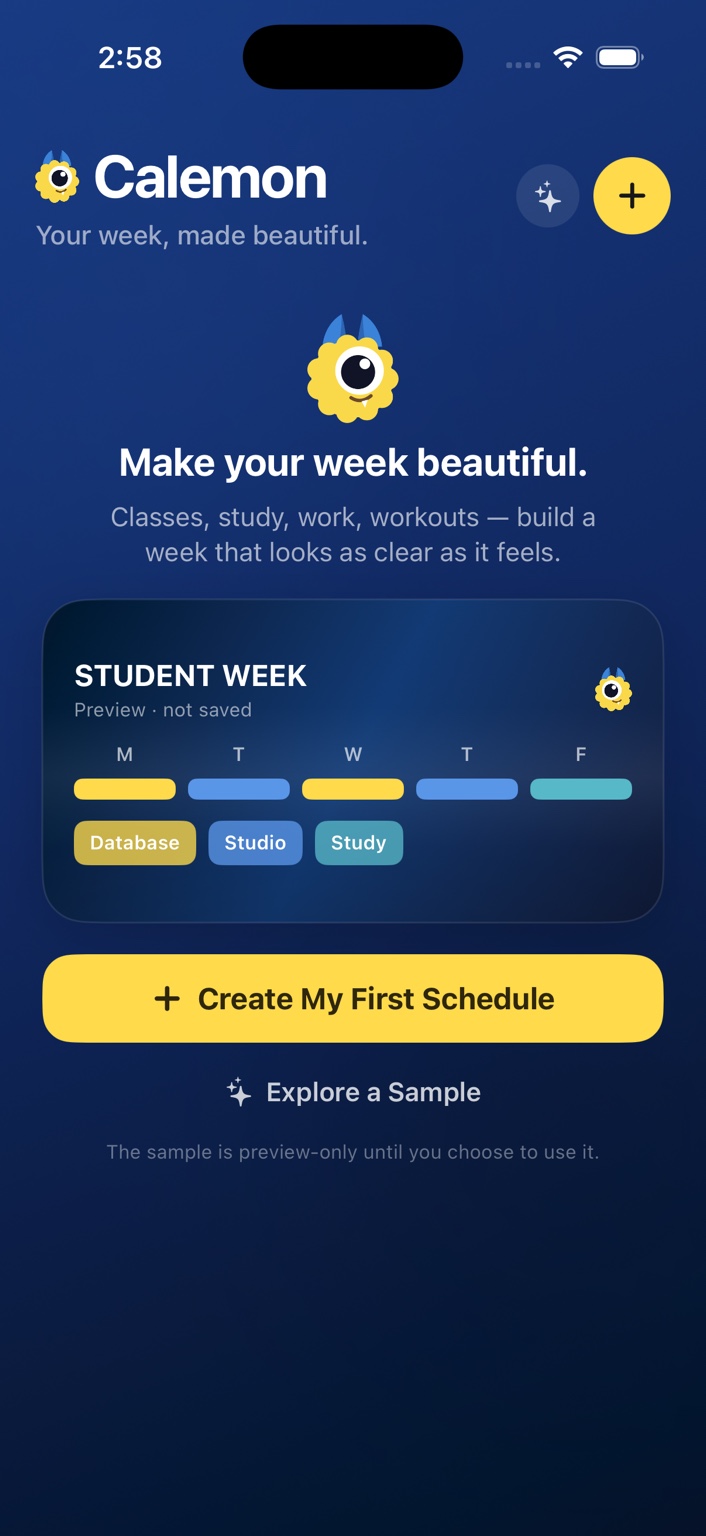
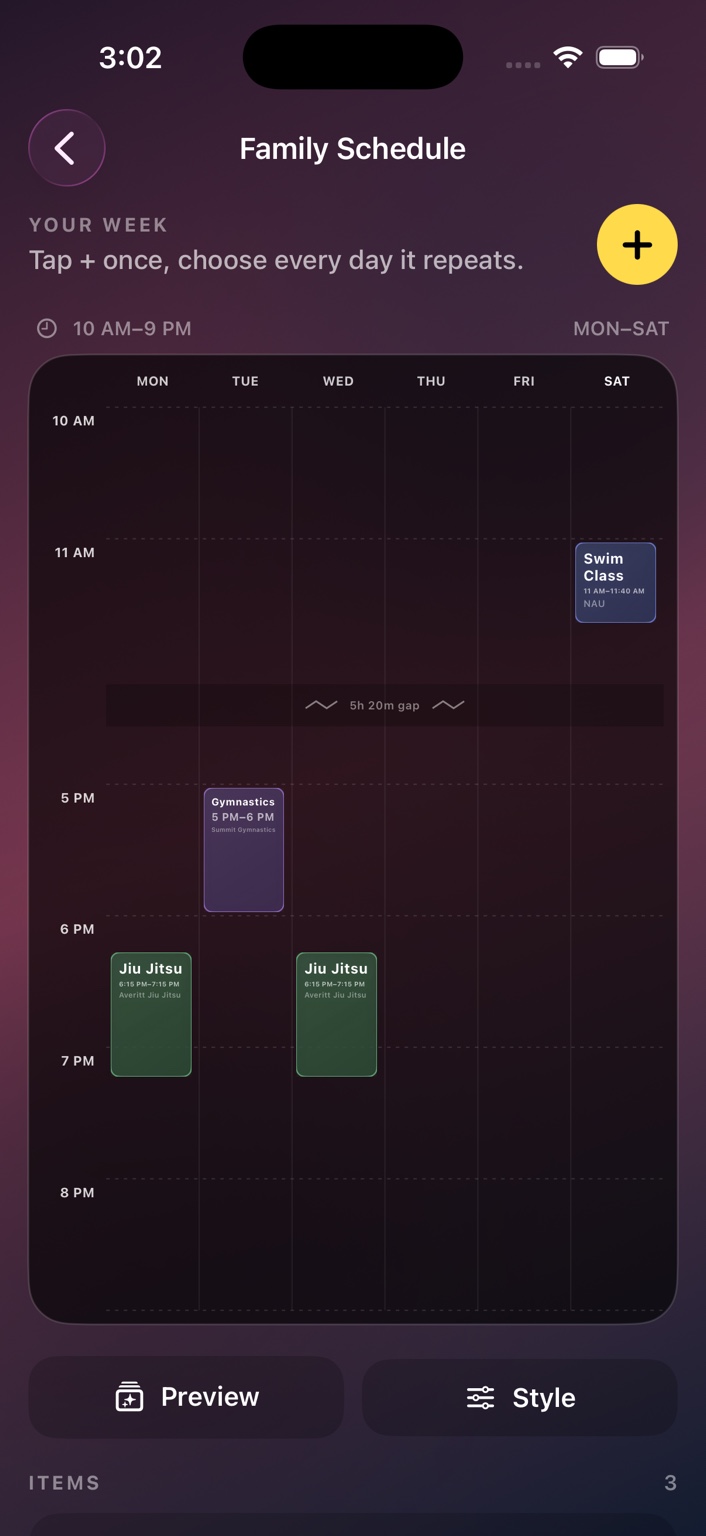
Calemon is made for recurring weekly plans. Add an item once, choose every day it repeats, and let the timetable adapt around your real schedule.
Classes, shifts, workouts, appointments, kids’ activities — whatever repeats.
Choose colors, backgrounds, typography, or use one of your own photos.
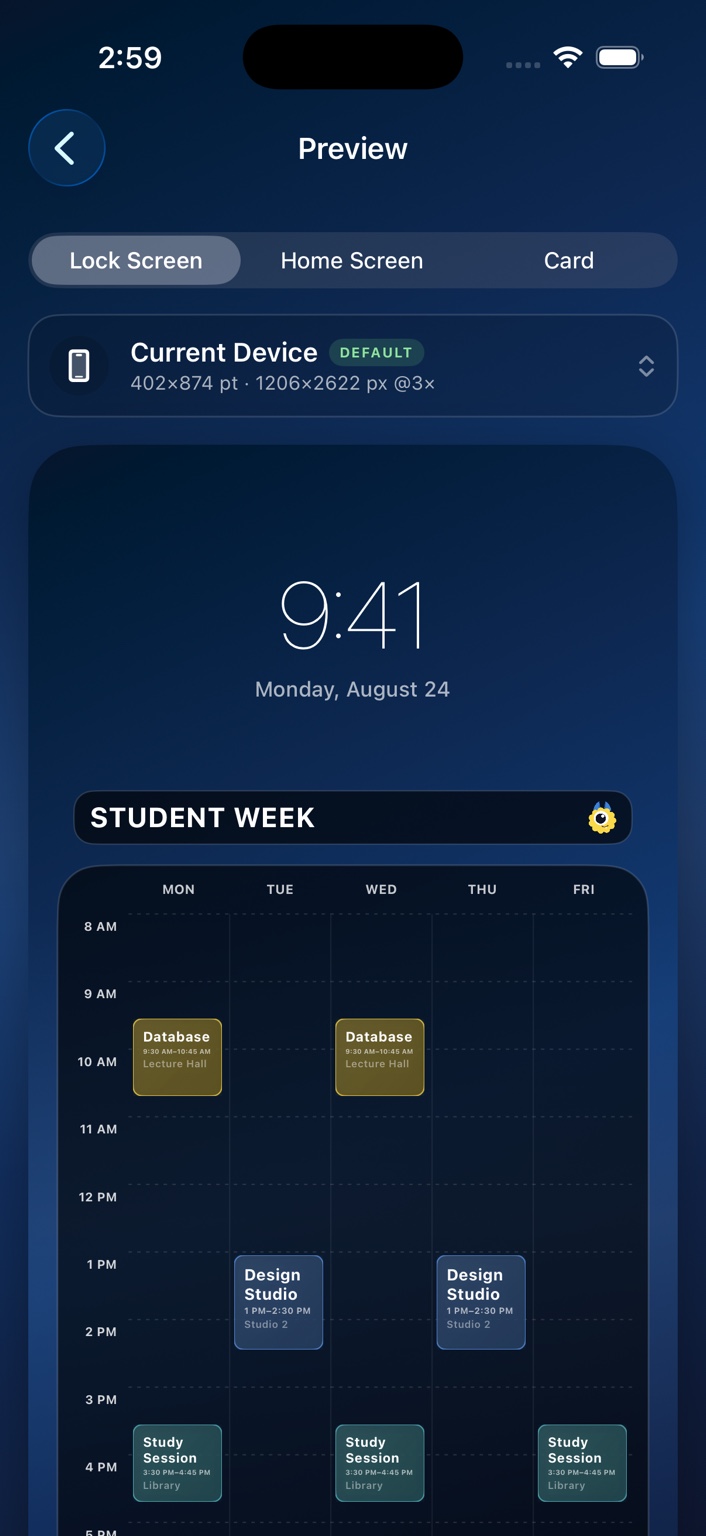
Save a Lock Screen, Home Screen, or schedule card as PNG or JPEG.
Early class? Late practice? Saturday plans? Calemon expands the visible days and time range around what you actually add, and can compress long empty gaps so the important parts stay readable.
Preview your week with space reserved for the real iOS Lock Screen clock, then export a Retina-sharp image sized for your device.
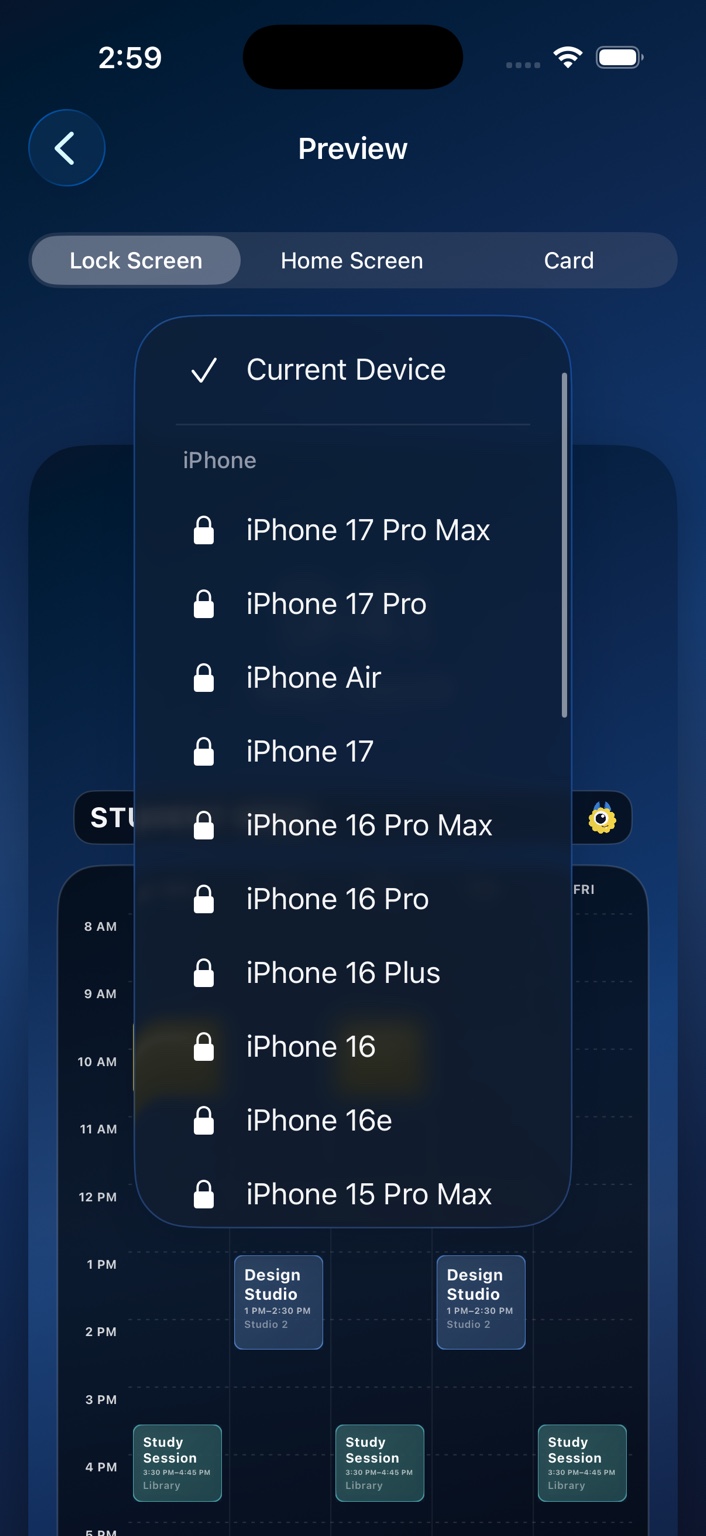
Calemon is free to start. A one-time Calemon Plus purchase unlocks unlimited schedules, schedule combining, premium styles, additional typography, and export presets for other iPhone and iPad sizes.
Calemon does not require a Calemon account. Schedule data can sync through your private iCloud account when iCloud is available. Calemon does not use your schedule for advertising.

Weekly schedules for iPhone and iPad, without turning planning into another chore.