Your next class, one glance away.
The class repeats every Tuesday. Looking up the room should not become a weekly task of its own.
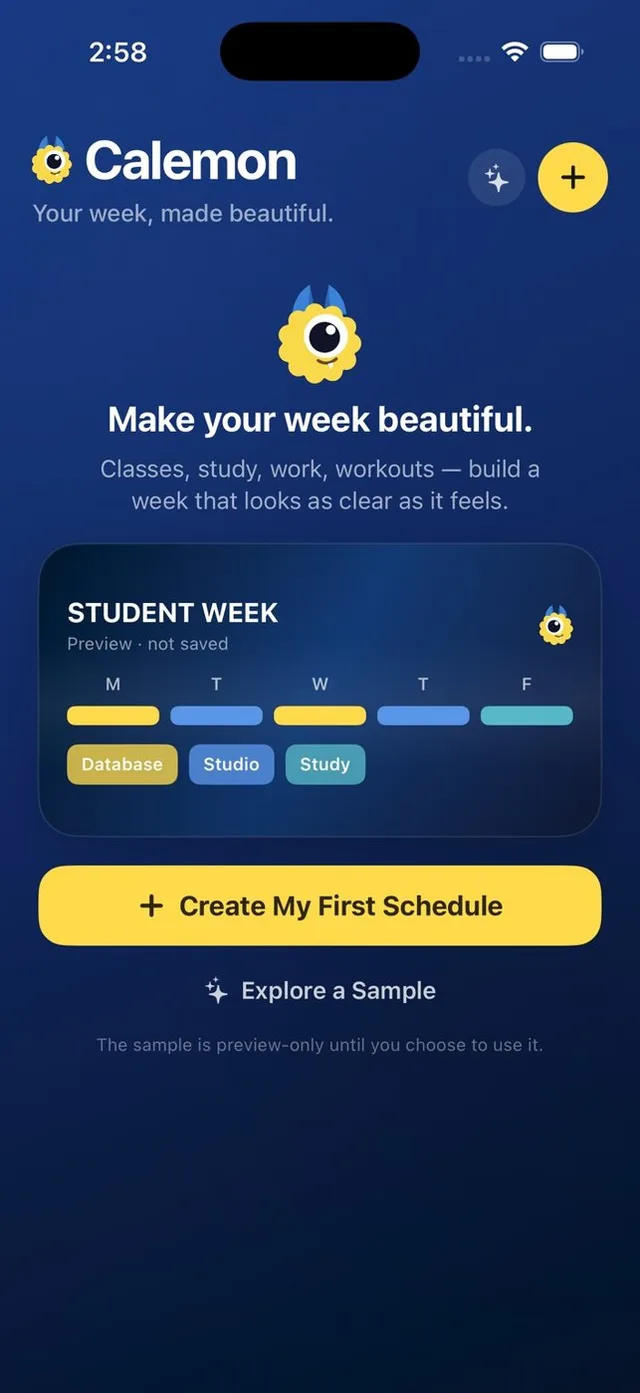
Calemon turns the week you enter into a wallpaper. Put lectures, labs and study blocks into one timetable, then keep that timetable where you already look.

How it works
Start with the recurring week
Add each class with its time and location. Select all the weekdays on which it repeats.
Leave room for the real day
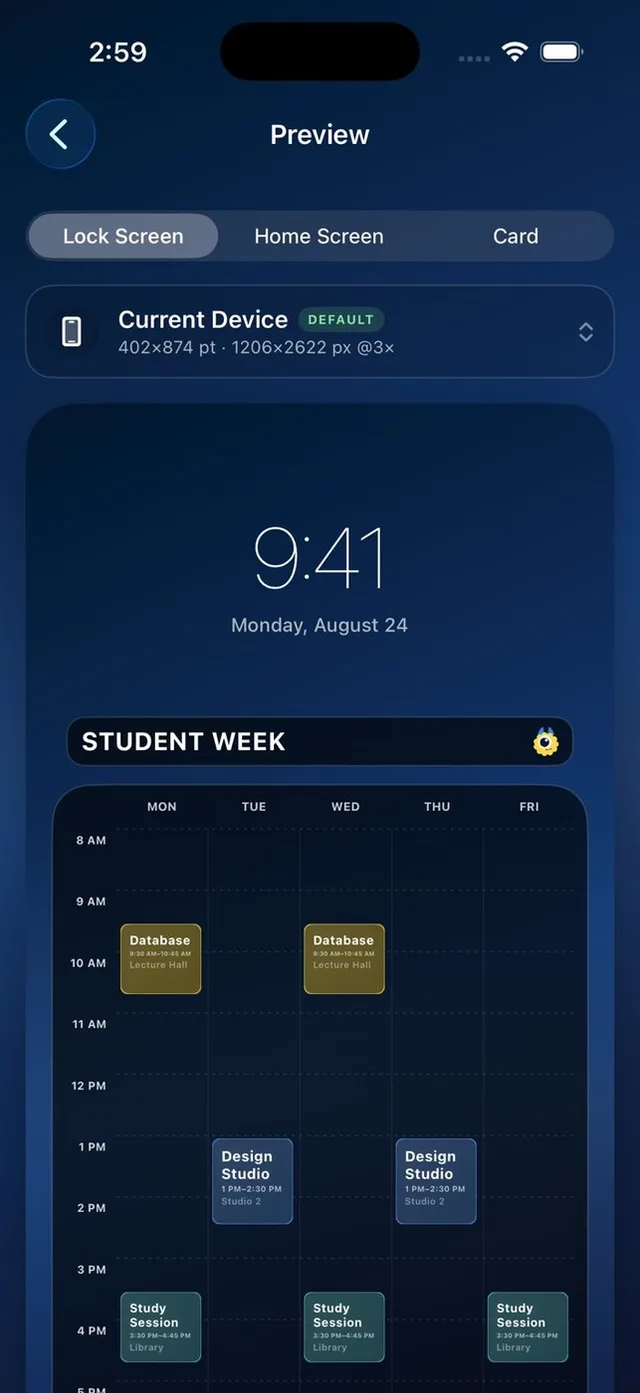
Add a study session or lab alongside lectures. Calemon keeps overlapping events visible instead of hiding one.
Export and check readability
Preview the Lock Screen layout, save a PNG or JPEG, then set the image as wallpaper. Keep class names short enough to read at a glance.
A closer look
Rooms beside times
Locations and notes belong with an event, so the timetable can hold more than a course name.
A visual reference
Colors help distinguish blocks. You can change the background or use your own photo; check that the text stays legible.
A few details
Can I put the same class on several days?
Yes. An event can be added to multiple selected weekdays.
Can I use it on an iPad?
Yes. Calemon supports iPhone and iPad. Additional device export presets are included in Plus.
Is Plus a subscription?
No. Calemon Plus is a one-time purchase; it adds unlimited schedules and other customization and export options.