Keep the receipt with the expense.
The receipt is in Photos. The payment note is somewhere else. When you need to check the purchase, the two have to be found again.
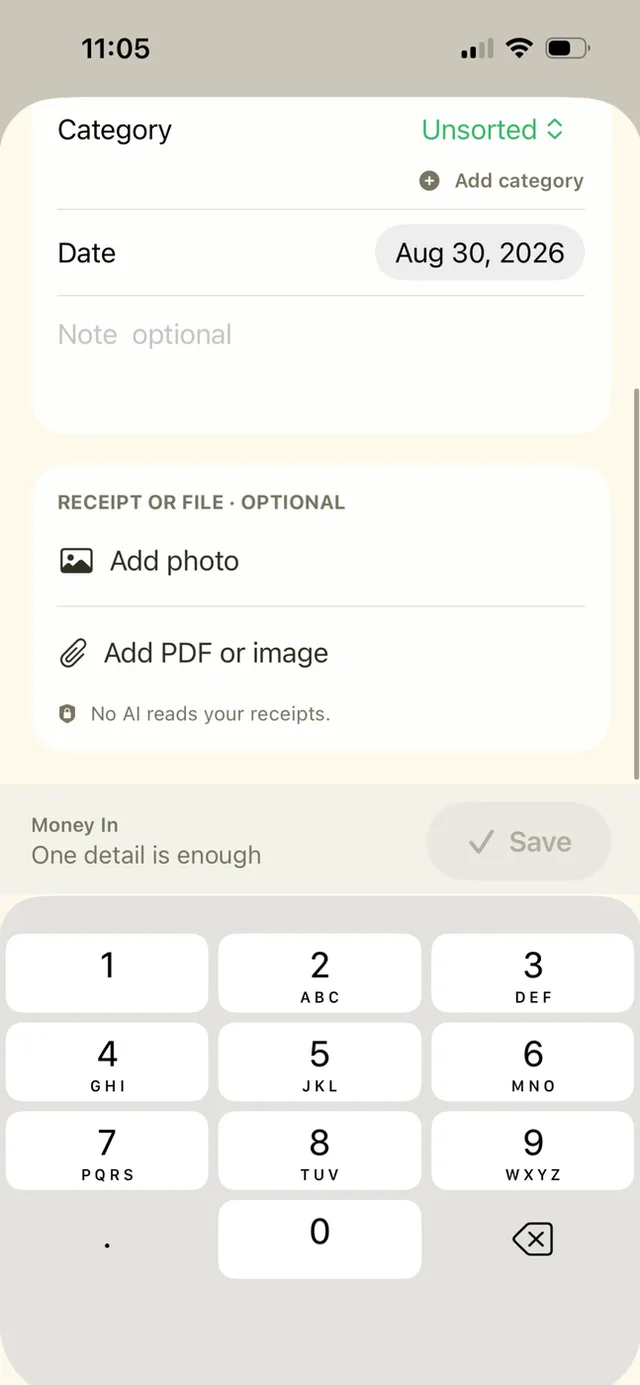
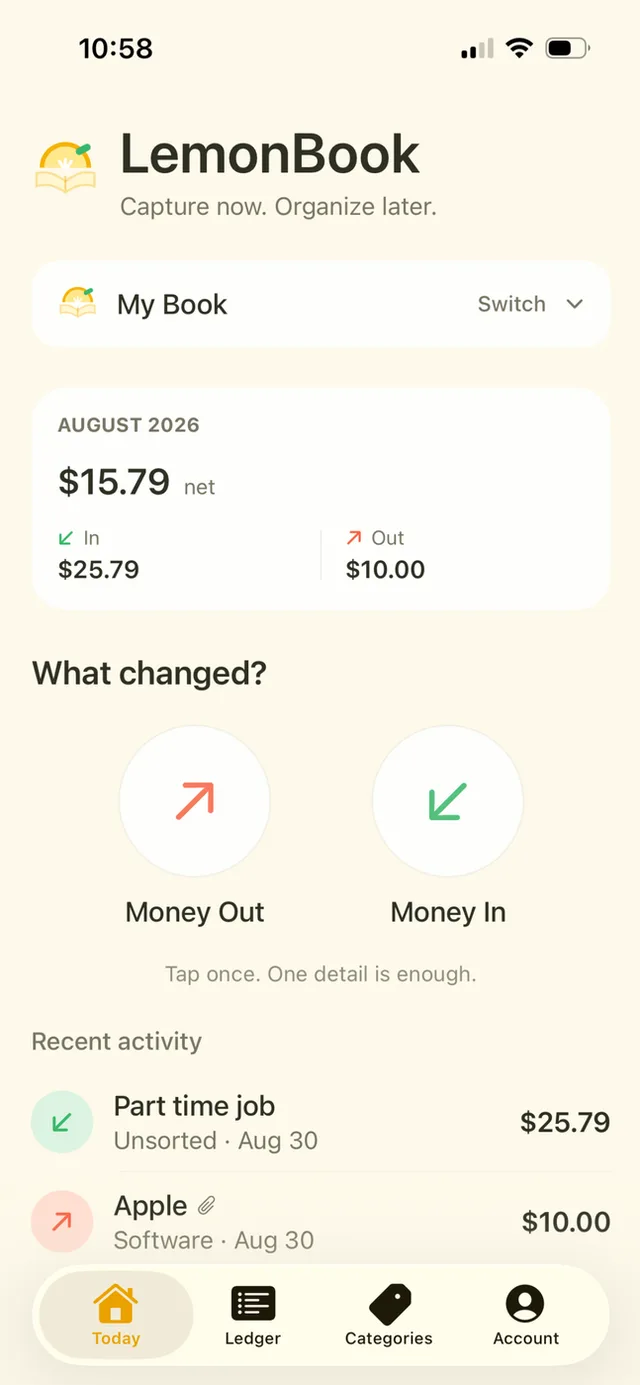
LemonBook Plus puts the attachment on the money entry. Keep a photo or PDF with the record, then add the amount, merchant or category when you have time.

How it works
Open a money entry
Choose the payment direction. With Plus, a receipt itself can be the one detail you capture first.
Attach the original clue
Add a photo, an image or a PDF. Add a short merchant or note if it will make the entry easier to find.
Prepare it for review
Complete missing details and use Plus export when you need a CSV or PDF packet outside the app.
A closer look
Files stay with the record
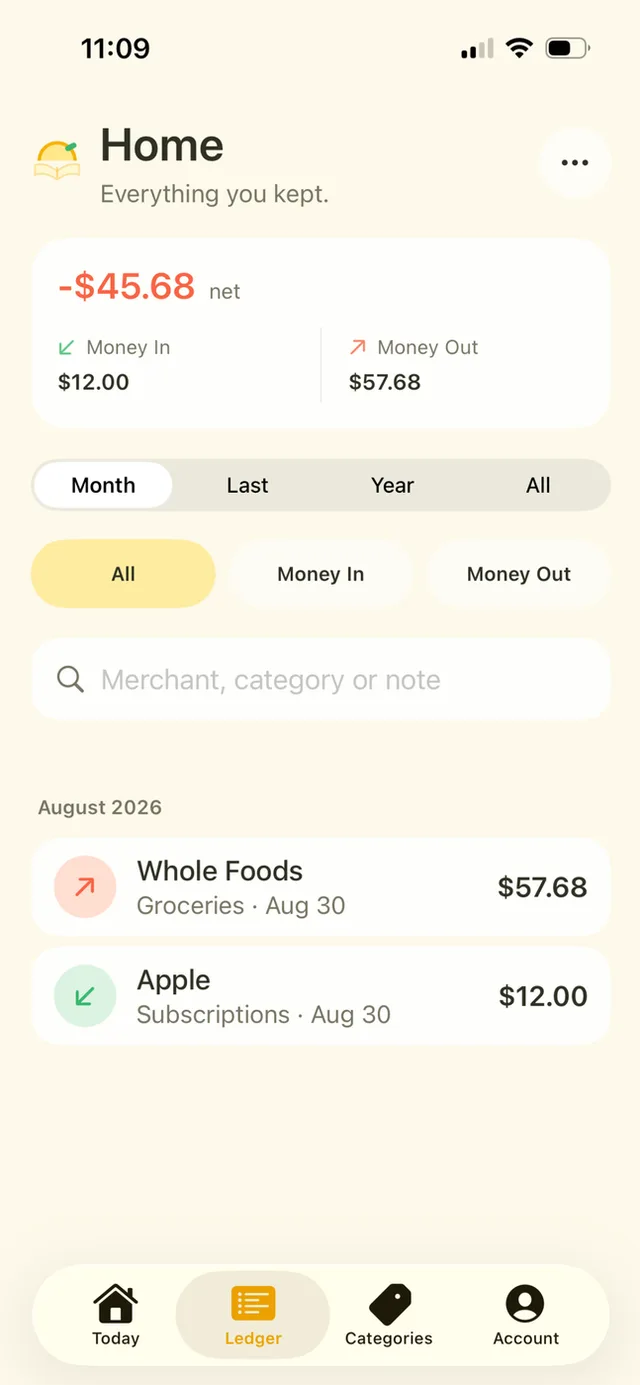
Attachments belong to the entry instead of an unrelated photo album. Books and entries use your own iCloud account.
A deliberate manual workflow
LemonBook does not use AI to read receipts. You decide what the amount and category should be.
A few details
Can it read the amount from a receipt?
No automatic receipt reading is promised. Enter the details yourself.
Are PDFs supported?
Yes. Plus supports PDF attachments as well as photos and images.
Is the upgrade recurring?
No. LemonBook Plus is a one-time purchase with no subscription.