A little book for the work you do.
A supply purchase, a small payment and a receipt from last week need a place to go. A full accounting workflow can be more than you need for capturing them.
Use LemonBook as a manual record of business money in and out. Capture a detail at the time, then organize the entries before reviewing or exporting them.

How it works
Choose a Book for the work
Free includes one Book. Plus adds more Books if you want to keep business and personal records apart.
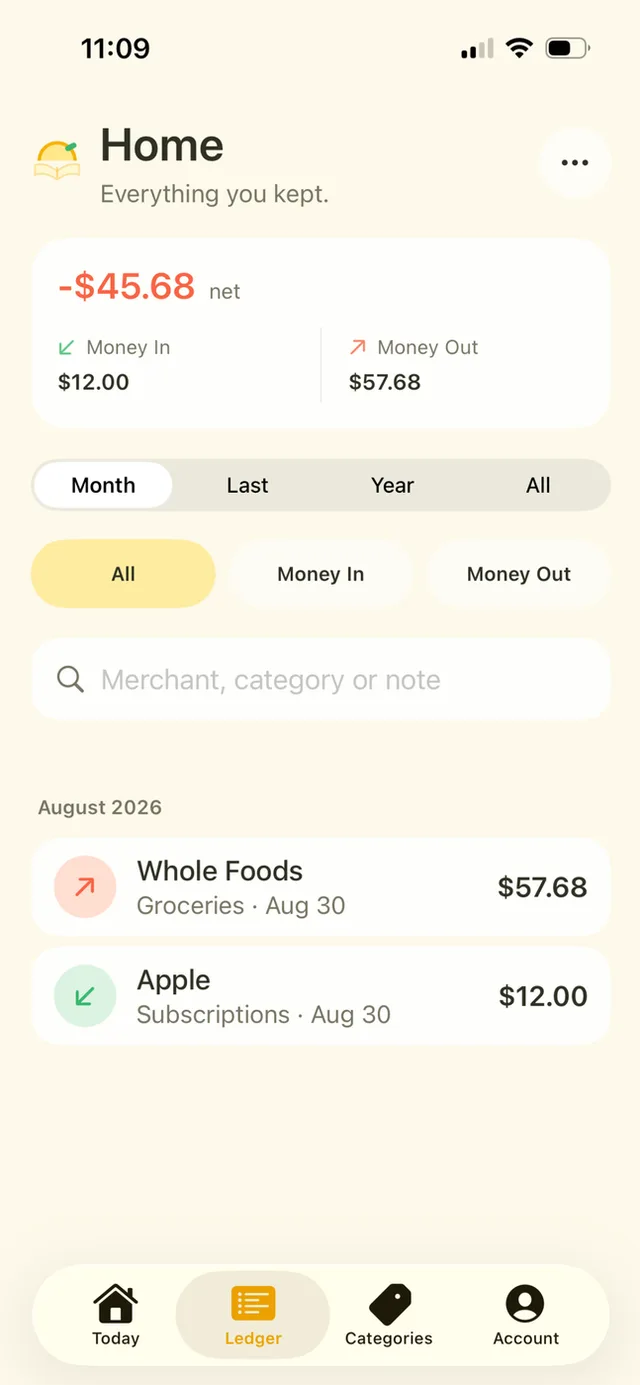
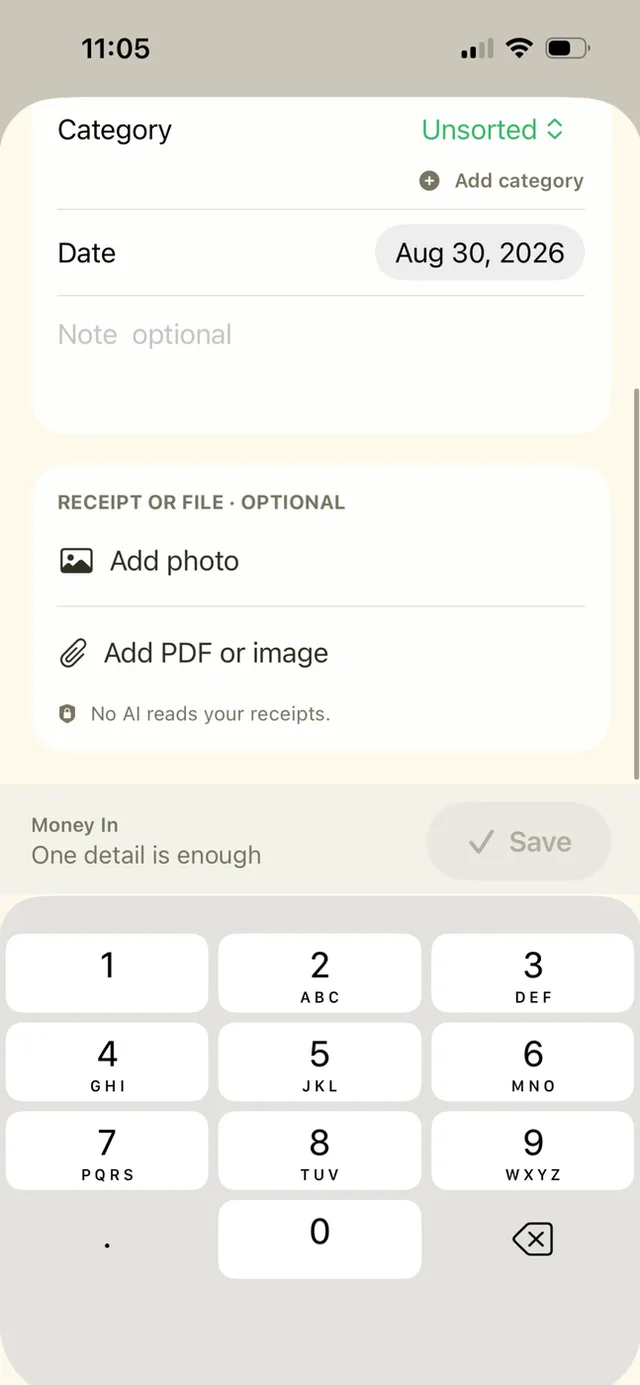
Capture income and expenses
Use categories that are useful to you, attach receipts with Plus, and complete records when the details are available.
Review before exporting
Check missing amounts and categories. Plus can export a CSV or PDF packet for your own review or to share with the person helping with your records.
A closer look
Separate or combined views
Plus supports several Books, a combined view and merging Books when you need those organizational tools.
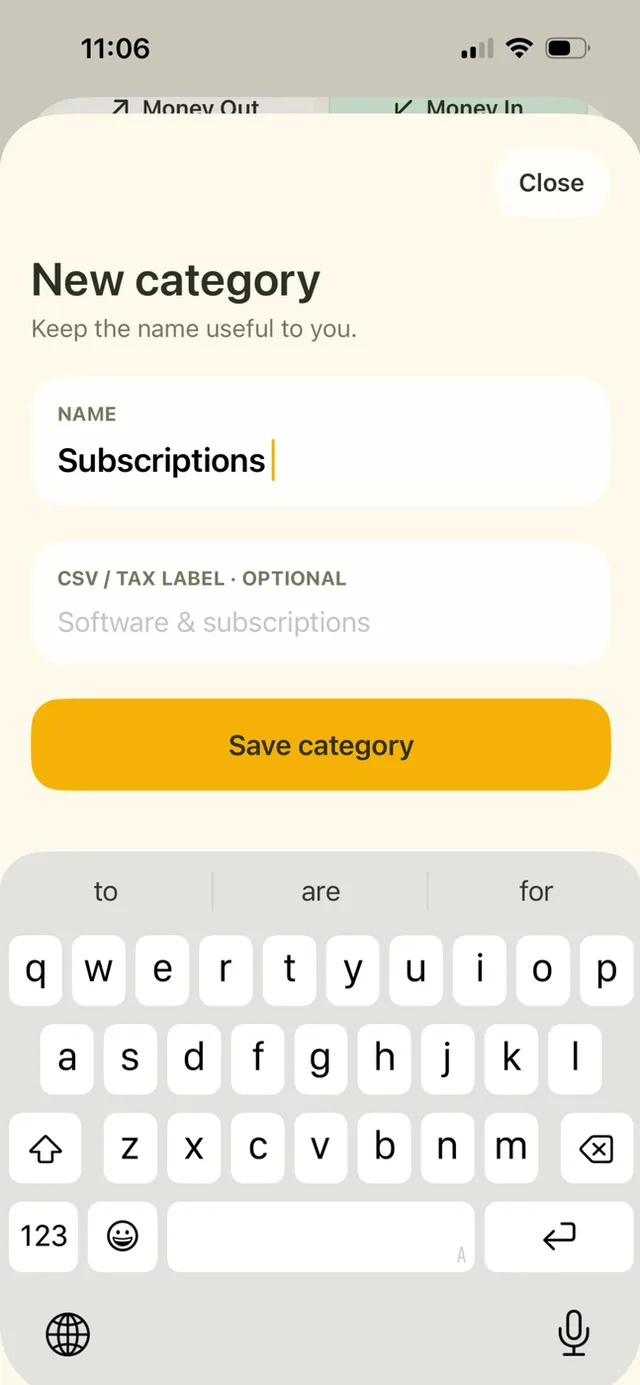
Your labels
Category names and optional CSV/tax labels help organize exports. A label is your description, not a determination of tax treatment.
A few details
Can business and personal entries stay separate?
Yes. Plus unlocks multiple Books. The free version has one Book.
Can I export the records?
Yes. CSV and PDF exports are included in LemonBook Plus.
Does it connect to my business bank?
No. This is a manual expense-book workflow without a bank connection.