Keep a book. Leave your bank out.
You want somewhere to record a cash purchase or a small payment. Connecting a bank account is more setup than that job needs.
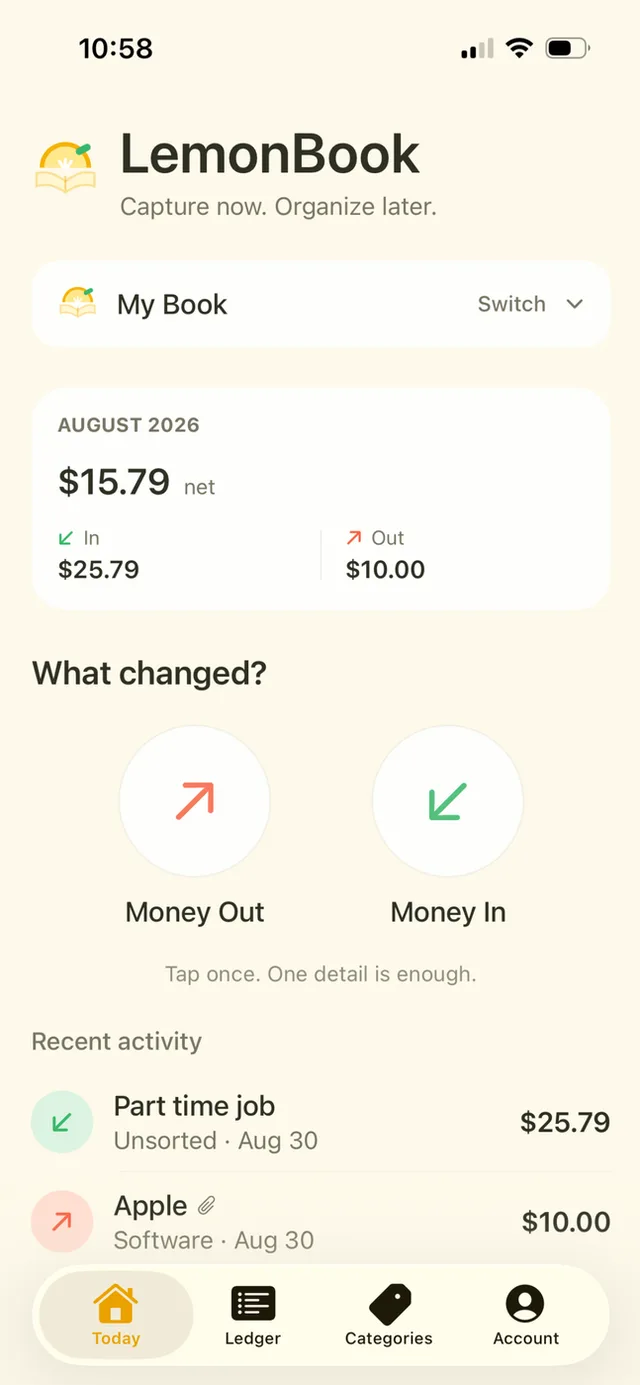
LemonBook starts with Money Out and Money In. You enter the record yourself, save the detail you know, and come back to anything missing later.

How it works
Choose money in or out
Use the direction of the payment instead of choosing a connected account.
Record what you know
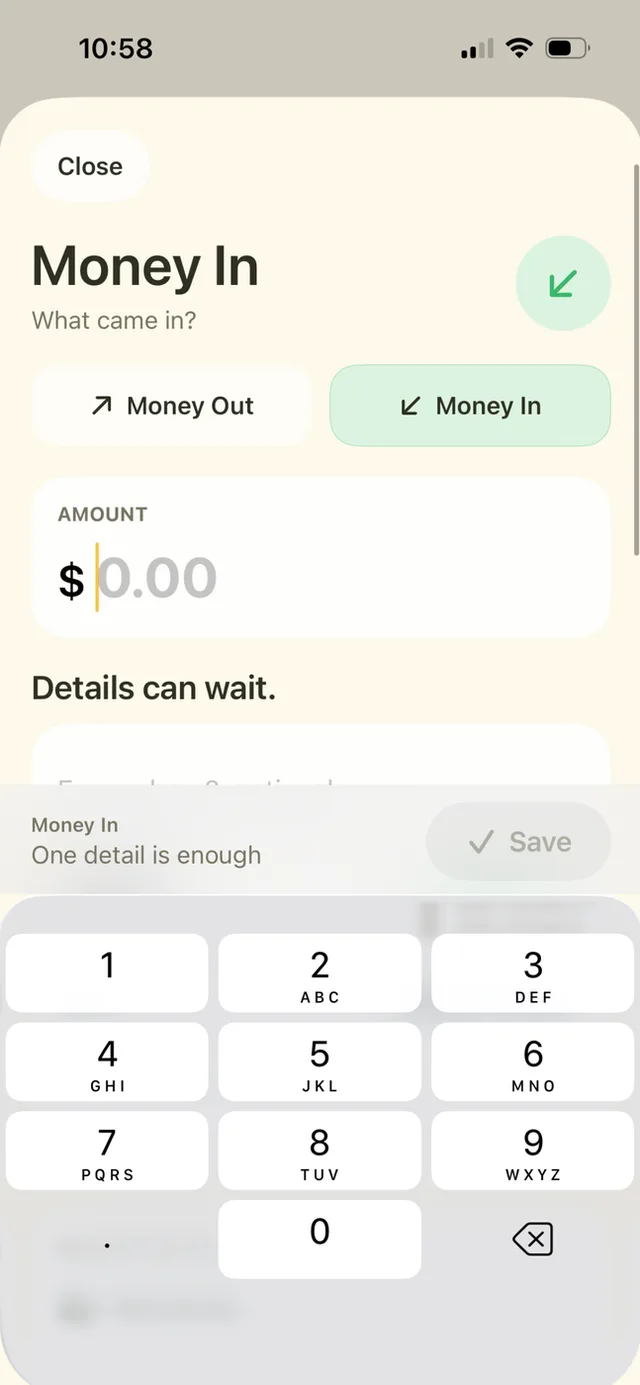
Enter the amount, a merchant name, a category or a note. You do not need every field.
Review your own record
Use the ledger to search entries and review totals. Fill in missing amounts before relying on a total.
A closer look
No separate sign-up
LemonBook has no IMPLEMON account or IMPLEMON server holding your ledger. Entries can sync through your own iCloud account.
Capture by voice
Siri capture stores an amount in the Siri Inbox. Open LemonBook later and choose the Book it belongs in.
A few details
Do I need to connect a bank?
No. LemonBook is a manual money-in and money-out tracker.
Is iCloud sync part of Plus?
No. iCloud sync is included for both Free and Plus.
Can I keep a receipt with an entry?
Yes, with LemonBook Plus. Photo, image and PDF attachments are part of the one-time upgrade.